
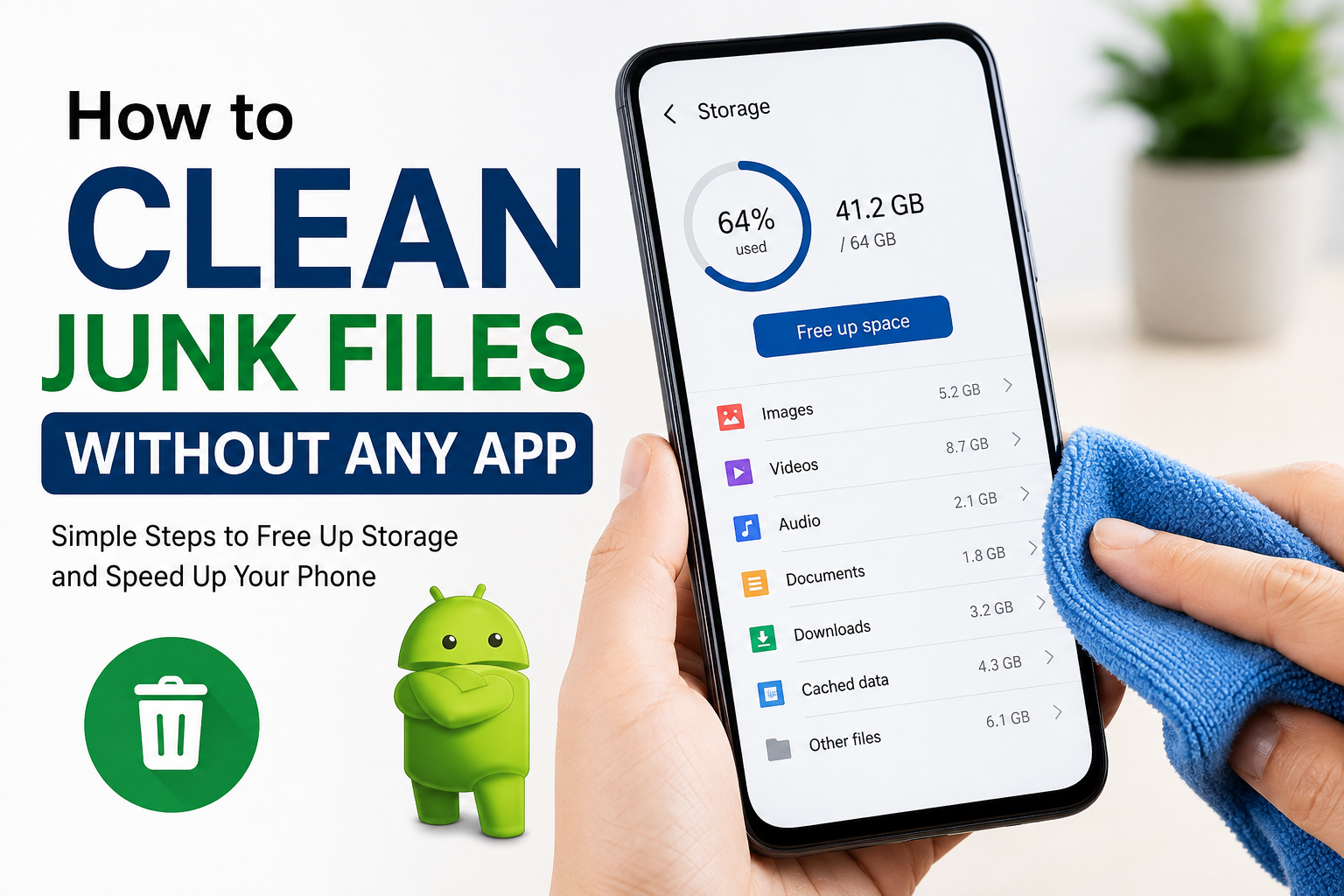
If you have been using an Android phone for a while, you have probably noticed that it becomes slower over time. Apps take longer to open, storage starts filling up, and sometimes you even get annoying messages saying that your phone is running out of space. Many people think they need to install a cleaning app to solve this problem, but in my experience, that is not true.
I personally avoid using phone cleaner apps because most of them show too many ads, run in the background, and sometimes even make the phone slower instead of faster. Android already includes everything I need to clean junk files without downloading any extra application. I have been following these simple methods for a long time, and they always help me free up storage while keeping my phone running smoothly.
In this article, I will share the exact methods I use to remove junk files without installing any cleaning app.
What Are Junk Files
Before cleaning anything, I think it is important to understand what junk files actually are.
Junk files are temporary files that are created while using apps, browsing websites, downloading content, or updating the system. These files are useful for a short time, but after that, they usually serve no purpose. Instead of helping the phone, they simply occupy valuable storage.
Examples include temporary cache files, leftover installation files, old downloads, thumbnails, duplicate media, and unused app data.
Cleaning these files regularly can improve storage availability and sometimes even make the phone feel faster.
Clear App Cache
The first thing I always do is clear the cache of apps that I use frequently.
Apps like YouTube, Instagram, Facebook, Chrome, and TikTok store cached data to load content faster. Over time, this cache can grow into several gigabytes.
To clear app cache, I simply open Settings, go to Apps, choose the app, tap Storage, and then select Clear Cache.
I never press Clear Data unless I really want to reset the app because clearing data removes login information and personal settings.
Cache files are safe to remove because apps automatically recreate them whenever needed.
Delete Unnecessary Downloads
The Downloads folder is one of the biggest reasons storage fills up.
Whenever I download PDFs, images, videos, APK files, or documents, they often stay there even after I have finished using them.
Every few weeks, I open the Downloads folder and delete everything I no longer need.
I usually find old screenshots, duplicate files, installation packages, and random documents that I completely forgot about.
Removing these files instantly frees a surprising amount of storage.
Remove Old APK Files
Whenever I install an app manually, the APK file remains on the phone even after installation.
Many people forget about these files because they are hidden among other downloads.
Since the app is already installed, the APK file is no longer needed.
I simply delete these installation files to recover extra storage.
Empty the Trash Folder
Many Android phones now include a Trash or Recycle Bin.
When photos, videos, or files are deleted, they often stay in the trash for up to thirty days.
This means they still occupy storage.
I always open the trash folder inside Gallery, Photos, or File Manager and permanently delete the files.
Doing this often frees hundreds of megabytes or even several gigabytes.
Delete Duplicate Photos
Duplicate photos waste a lot of storage without providing any value.
Sometimes I accidentally save the same picture multiple times or receive identical images through messaging apps.
Instead of keeping every copy, I review my gallery and delete duplicates.
I also remove blurry photos, accidental screenshots, and images I no longer need.
A cleaner gallery not only saves storage but also makes finding important memories much easier.
Remove Unwanted Videos
Videos consume much more storage than photos.
Screen recordings, downloaded clips, and social media videos can quickly fill up internal storage.
Every month, I review my video folder and delete anything that is no longer useful.
I am often surprised by how much space these forgotten videos occupy.
Clean WhatsApp Media
WhatsApp is another major source of junk files.
Every photo, video, voice note, GIF, and forwarded document is saved automatically unless you change the settings.
I regularly open WhatsApp Storage Management and review which chats consume the most space.
Old videos, memes, and forwarded files usually take up several gigabytes.
Deleting them makes a noticeable difference without affecting important conversations.
Delete Unused Screenshots
Most people take screenshots almost every day.
I am no different.
Sometimes I capture receipts, shopping lists, passwords, or temporary information.
Once I no longer need them, I delete the screenshots.
There is no reason to keep hundreds of screenshots that I will never open again.
Remove Offline Content
Many apps allow offline downloads.
Music streaming apps, video streaming platforms, maps, and podcasts all store files locally.
These downloads are useful during travel but often stay on the phone forever.
Whenever I finish watching or listening, I remove the downloaded content.
This is one of the fastest ways to recover several gigabytes.
Uninstall Apps I Never Use
Unused apps are another hidden storage problem.
Sometimes I install an app just to try it once and then completely forget about it.
Months later, it is still taking up storage.
I go through my installed apps every few weeks and remove anything I have not used recently.
If I ever need the app again, I can always reinstall it later.
Clean Browser Data
Web browsers store cached images, cookies, and temporary website files.
Although these files help websites load faster, they gradually grow larger over time.
I occasionally clear my browser cache through the browser settings.
This removes unnecessary temporary files without deleting my bookmarks.
Delete Large Files
Instead of deleting random files, I prefer checking which files consume the most storage.
Android’s storage settings usually display large videos, downloads, and documents.
I review these carefully before deleting them.
Removing just one large video can free more storage than deleting hundreds of small files.
Keep the Home Screen Organized
While this does not directly free storage, I believe keeping the phone organized helps me notice unnecessary apps and files.
Whenever my home screen becomes crowded, I take a few minutes to remove unused shortcuts and organize folders.
This encourages me to keep only what I actually use.
Restart Your Phone
Many people underestimate the power of restarting their phone.
Temporary files and background processes sometimes remain active for days.
Restarting clears temporary memory and helps the phone perform better.
I usually restart my phone once every few days.
It only takes a minute and often makes the device feel smoother.
Avoid Fake Cleaner Apps
One lesson I have learned is that not every cleaner app is trustworthy.
Many promise dramatic speed improvements, but in reality they simply clear cache, display advertisements, and constantly ask for permissions.
Some even consume more battery than the junk files they remove.
Since Android already provides built in storage management tools, I prefer using those instead.
This keeps my phone secure and avoids unnecessary background activity.
Make Cleaning a Monthly Habit
Instead of waiting until my storage becomes completely full, I spend ten or fifteen minutes every month cleaning my phone.
This small habit prevents storage problems before they become serious.
I clear cache, remove downloads, delete duplicate photos, empty the trash, and uninstall unused apps.
Because I do this regularly, my phone rarely becomes slow due to storage issues.
Consistency is much more effective than doing one massive cleanup every year.
Final Thoughts
Cleaning junk files without installing any app is much easier than most people think. Android already provides all the tools I need to manage storage efficiently. By clearing app cache, deleting unnecessary downloads, removing duplicate photos, cleaning WhatsApp media, uninstalling unused apps, and emptying the trash folder, I can recover a significant amount of storage without relying on third party cleaner applications.
I have been following these methods for a long time, and they have always worked well for me. They are simple, safe, and completely free. Instead of filling my phone with another cleaning app, I simply use the built in features that are already available. If you make these habits part of your regular routine, your Android phone will stay cleaner, faster, and more organized for a long time.